
Clinic & hospital operations · Appointment Scheduling
Dental & Hospital Appointment Scheduling
Coordinate departments, providers, extensions, walk-ins, and waiting patients without losing the clinical context behind each visit.
Why patient flow makes or breaks the day
Dental and hospital flow begins before the consultation. A visible route from booking or walk-in through arrival, assessment, queue, encounter, and completion keeps everyone aligned.
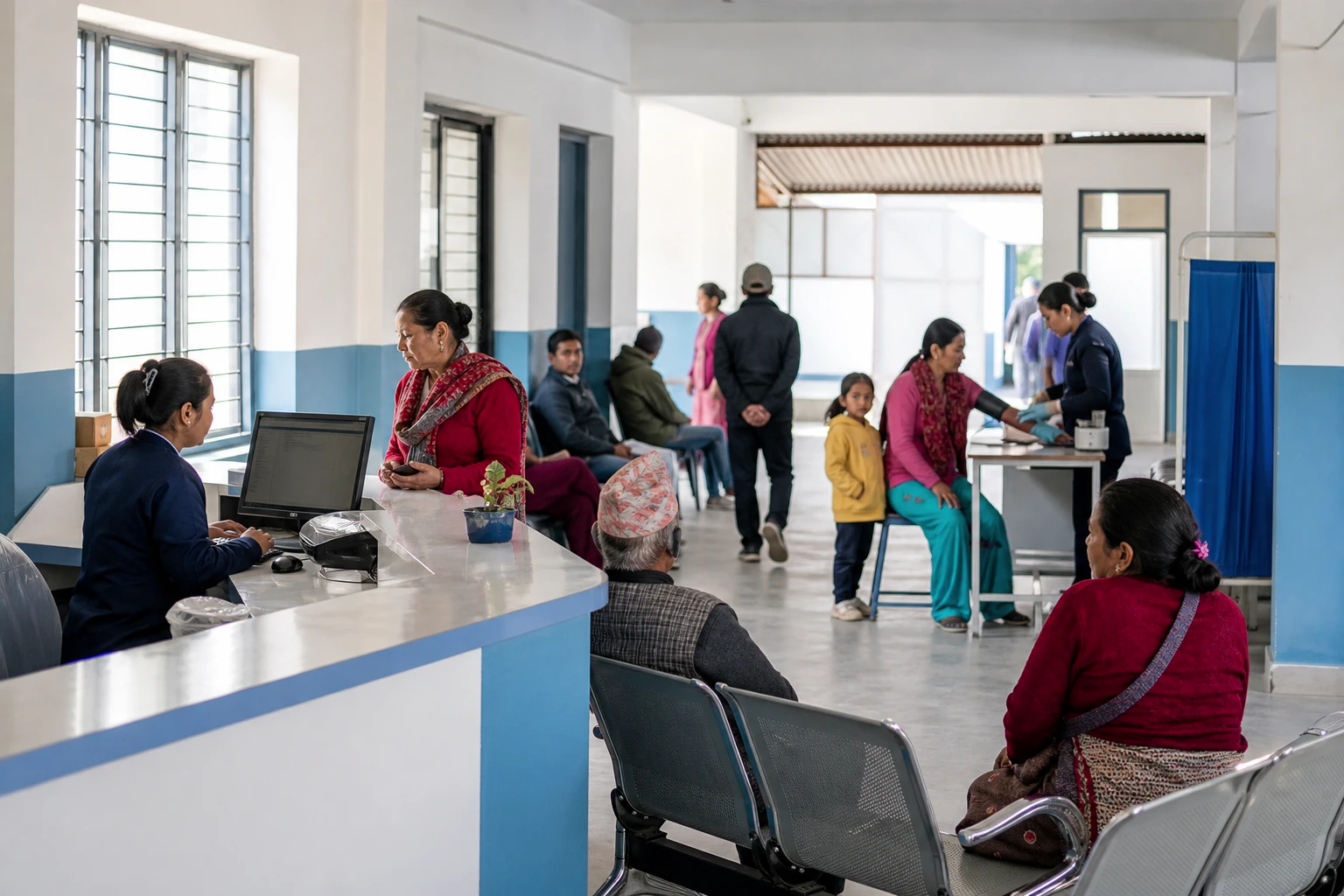
One front door
Scheduled visits and walk-ins enter the same accountable patient-flow model.
Shorter, visible waits
Teams can see arrival, triage, queue, consultation, and completion states as they change.
Safer hand-offs
The booking carries patient, department, provider, service, and referral context into the encounter.
How it works
From booking or walk-in to a completed visit
Follow the same accountable states used by registration, triage, departments, and clinicians.
- 1Step 1
Configure departments and calendars
Define facilities, departments, extensions, providers, rooms, service durations, holidays, and booking rules.
- 2Step 2
Book or register a walk-in
Search the patient master first, capture the reason and payer route, then reserve the correct service slot.
- 3Step 3
Manage arrival and exceptions
Confirm arrival, route to triage, move urgent patients safely, and preserve cancellation or no-show reasons.
Feature highlights
Every patient-flow control in one place
Purpose-built for dental chairs, hospital departments, extensions, walk-ins, queues, providers, and role-aware exceptions.
Department calendars
Filter by hospital, department, provider, room, service, status, and date.
Extension routing
Send a registered patient to the right OPD extension with a printable queue or OPD card.
Walk-in support
Register unscheduled arrivals without creating a disconnected workflow.
Reasons and history
Retain booking, reschedule, cancellation, and no-show events for service analysis.
Queue visibility
Track arrival, waiting, called, in consultation, deferred, and completed states.
Role-aware changes
Limit sensitive overbooking and schedule changes to authorised staff.
Works hand in hand with the rest of Xodont
Scheduling connects to the modules your team already relies on, so a booking carries its full context across the dental clinic or hospital.
Patient master record
One identity, medical alerts, documents, contacts, and a complete encounter history.
OPD & emergency
Registration, triage, extensions, encounters, diagnoses, referrals, observation, and disposition.
Make patient flow visible
Connect the calendar to the encounter
We will map Xodont to your facilities, departments, extensions, providers, walk-in policy, queues, and printed outputs.